One operational context
Resolve an issue, schedule follow-up work, and check equipment before the next dispatch.
Keep issues, follow-ups, tools, and technician responsibility connected to the day’s field work.
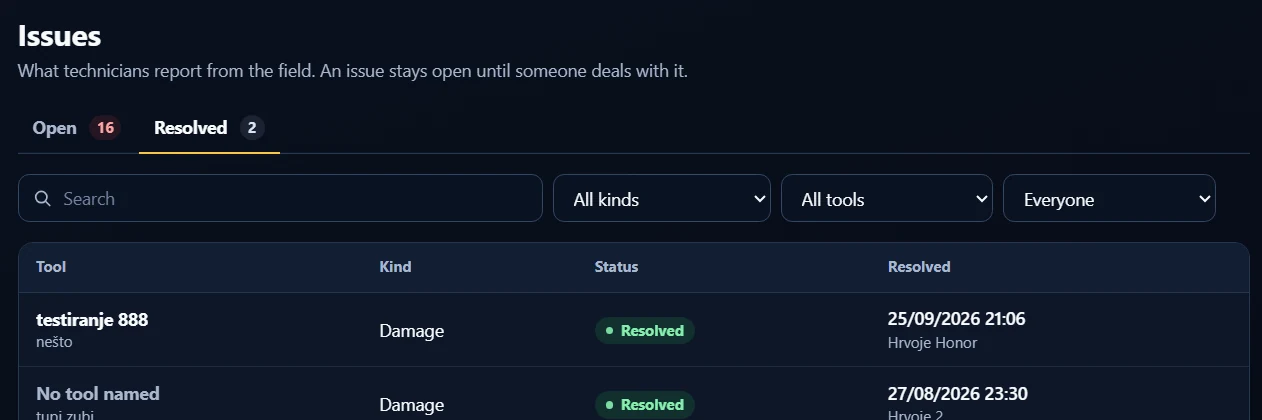
When field work reveals a problem, record it as an issue for the office to review. Open and resolved views help teams distinguish outstanding work from issues already addressed.
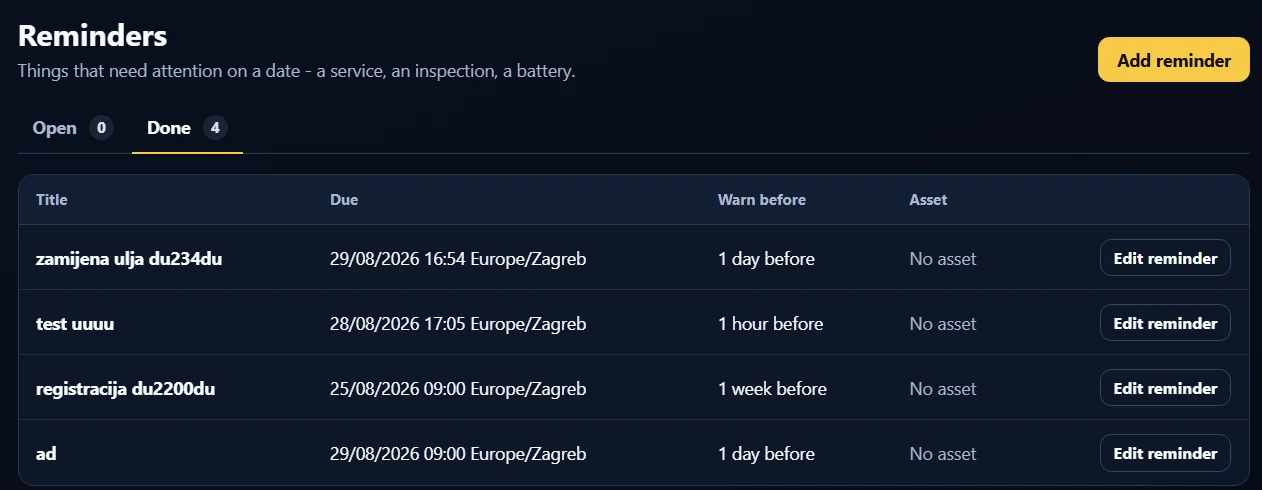
Schedule reminders months in advance for servicing, inspections, batteries, or other follow-up work. Choose to alert the company by email before the event, then track and close the reminder when it is handled.
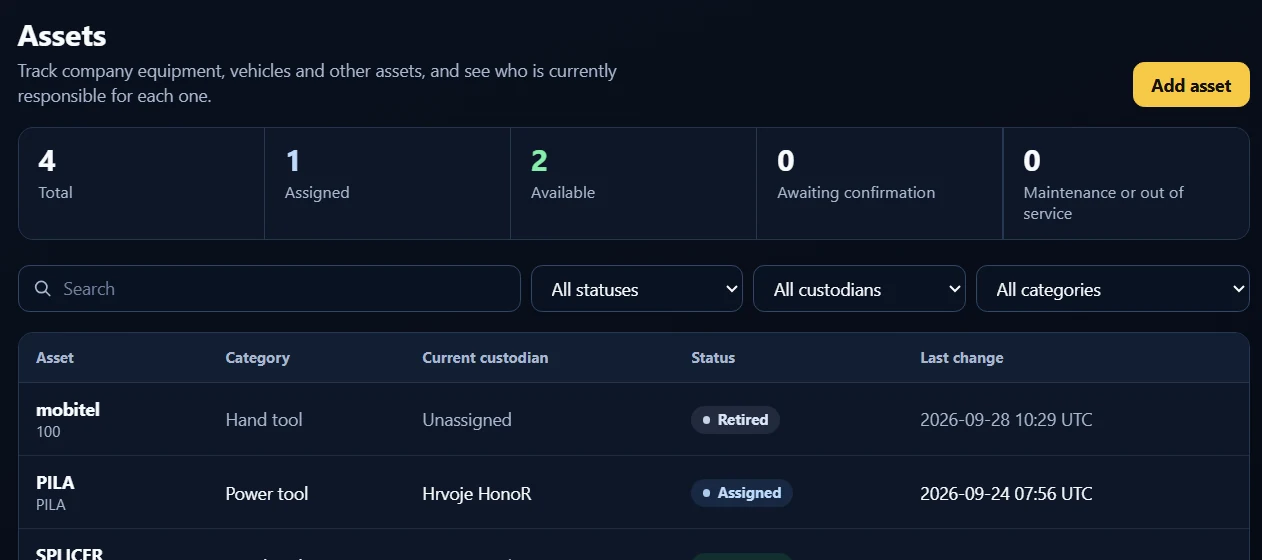
Track equipment and tools, their current custodian, and availability. Use maintenance and out-of-service states to keep unsuitable equipment out of the available pool.
Resolve an issue, schedule follow-up work, and check equipment before the next dispatch.
Receive daily or weekly KPI reports by email, listing the phones and the number of Work Orders each has uploaded.
Use company roles to give the right people access to the work they manage.
The asset record shows that Phone B currently holds the equipment.
Phone A sends a location-sharing request to Phone B. A push notification alerts the holder to the request.
When the holder shares the location, Phone A can see where the tool is and arrange the handover. This is requested location sharing, not background GPS monitoring.
Enter the next service date months ahead and select an email alert before the event. The company gets a prompt to arrange the work, rather than relying on someone to remember to check the calendar.
Reports & notificationsTell us about your team, your Work Orders, and where your evidence needs to live.