Administrator
Manage company configuration, people, devices, and policy.
Manage the people, phones, policies, and settings that make a field deployment work.
Activate company Android phones with codes, review seat usage, and replace or remove devices when needed. Keep deployment administration in the Company Portal.
Explore Company Seats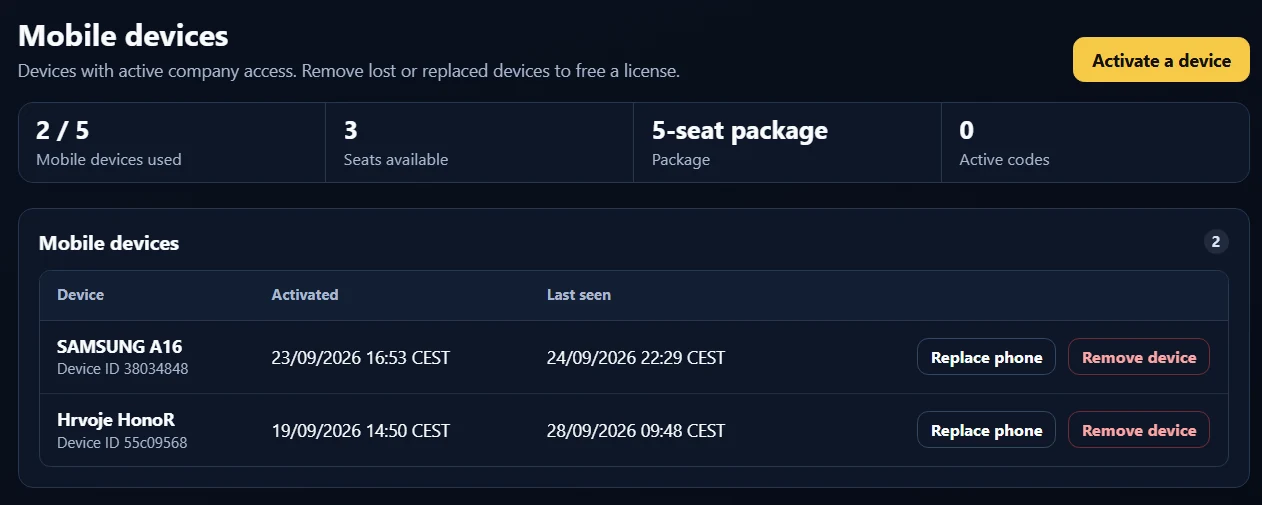
Manage company configuration, people, devices, and policy.
Coordinate Work Orders, device assignments, and dispatch follow-ups within the role’s permissions.
Support review and office workflows with access determined by server-side permissions.
Central evidence policy lets administrators configure requirements for company devices, including timestamp and GPS stamping and PDF evidence reports.
Company branding gives evidence a consistent presentation. Portal settings support language, timezone, date and time formats, and notification preferences.
Deployment setup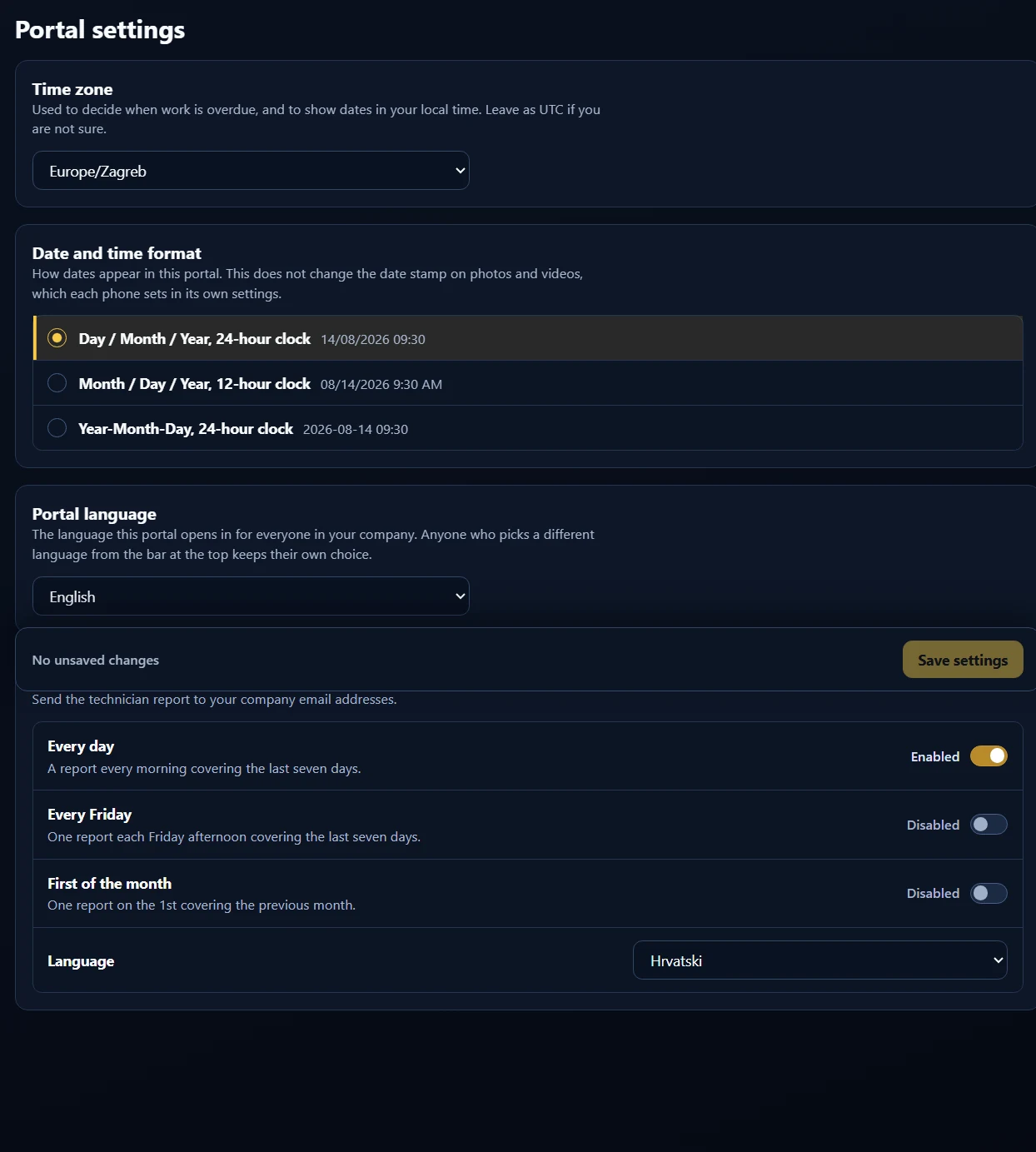
Receive daily or weekly KPI emails listing company phones and how many Work Orders each uploaded. Browse evidence folders and download Work Order ZIPs from connected storage.
Choose email alerts for Work Order uploads and advance service reminders. Assignment and tool-location-sharing requests reach phones through push notifications.
The product supports nine languages, helping companies deploy across their supported field teams.
Choose daily or weekly KPI emails for a per-phone view of Work Order uploads. Add individual upload notifications when the office needs to know as soon as a job package has been uploaded.
Explore reports & notificationsTell us about your team, your Work Orders, and where your evidence needs to live.